






Customer reviews are the lifeblood of local commerce. When a homeowner needs an emergency plumber, an electrician, or a dentist, online reviews act as modern word-of-mouth endorsement.
A steady stream of authentic five-star reviews accomplishes two critical goals. First, it signals to Google algorithm that your company is reputable and active, boosting your Maps visibility.
Second, reviews give hesitant prospective customers the confidence to pick up the phone and call. Yet many business owners struggle to gather reviews consistently.
Even worse, some business owners adopt risky shortcuts like buying fake feedback or offering discounts in exchange for five-star ratings. These tactics violate Google policies and Federal Trade Commission regulations, risking account suspension and heavy fines.
In this guide, I will show you how to build an honest, automated review collection engine. You will learn how to ask, what to say, and how to stay fully compliant with Google review policies.
3 Google Review Policies You Must Never Break

Before launching a review campaign, you must know what Google explicitly prohibits. Google algorithm monitors review patterns aggressively, and violating these guidelines can wipe out your profile.
The first prohibited tactic is review gating. Review gating happens when you survey clients and only send happy customers to Google, while redirecting dissatisfied customers to a private feedback form.
Google requires all review requests to give customers an equal opportunity to leave public feedback. The Federal Trade Commission also treats review gating as deceptive advertising.
The second prohibited tactic is offering review incentives. You cannot give discounts, gift cards, raffle entries, or cash in exchange for customer reviews.
Even asking a customer for a positive review in exchange for five percent off their invoice violates policy. Honest feedback must be given freely without financial compensation.
The third prohibited practice is collecting reviews on company devices or office Wi-Fi networks. Setting up an iPad in your waiting room seems convenient, but Google flags multiple reviews submitted from the exact same IP address as fraudulent.
Always instruct customers to submit reviews using their personal mobile devices on their own cellular data or home internet connections.
The 3-Step Review Engine That Generates Consistent Feedback
Satisfied customers want to help your business, but they are busy. If writing a review takes more than ninety seconds, most people will abandon the effort.
To generate dozens of authentic reviews every month, you must eliminate all friction. Follow this simple three-step process on every single job.
Step 1: Pre-Frame the Request During Service
Do not wait until the invoice is paid to mention reviews for the first time. The best time to introduce the topic is while delivering outstanding service.
When you finish a job and the client expresses gratitude, plant the seed immediately. Say, “Our company relies on word of mouth from great clients like you. I am going to text you a quick link later today, and I would love your honest feedback.”
This verbal pre-framing prepares the customer. When your text notification arrives later, they are already expecting it.
Step 2: Generate Your Direct Google Review Shortlink
Never tell a customer to search for your company on Google Maps and find the review button. That forces them through five unnecessary clicks.
Google Business Profile provides a direct review shortlink inside your dashboard. Navigate to your profile overview, click the “Ask for reviews” button, and copy your unique link.
When a customer taps this direct link on their smartphone, it opens the Google Maps app immediately. The five-star rating box and review prompt display instantly on their screen.
Step 3: Send an Automated SMS Within 2 Hours
Timing is everything when asking for customer reviews. Research shows that review response rates drop significantly with every passing hour.
If you email a customer three days after completing a project, the job is already old news. They have moved on with their busy week.
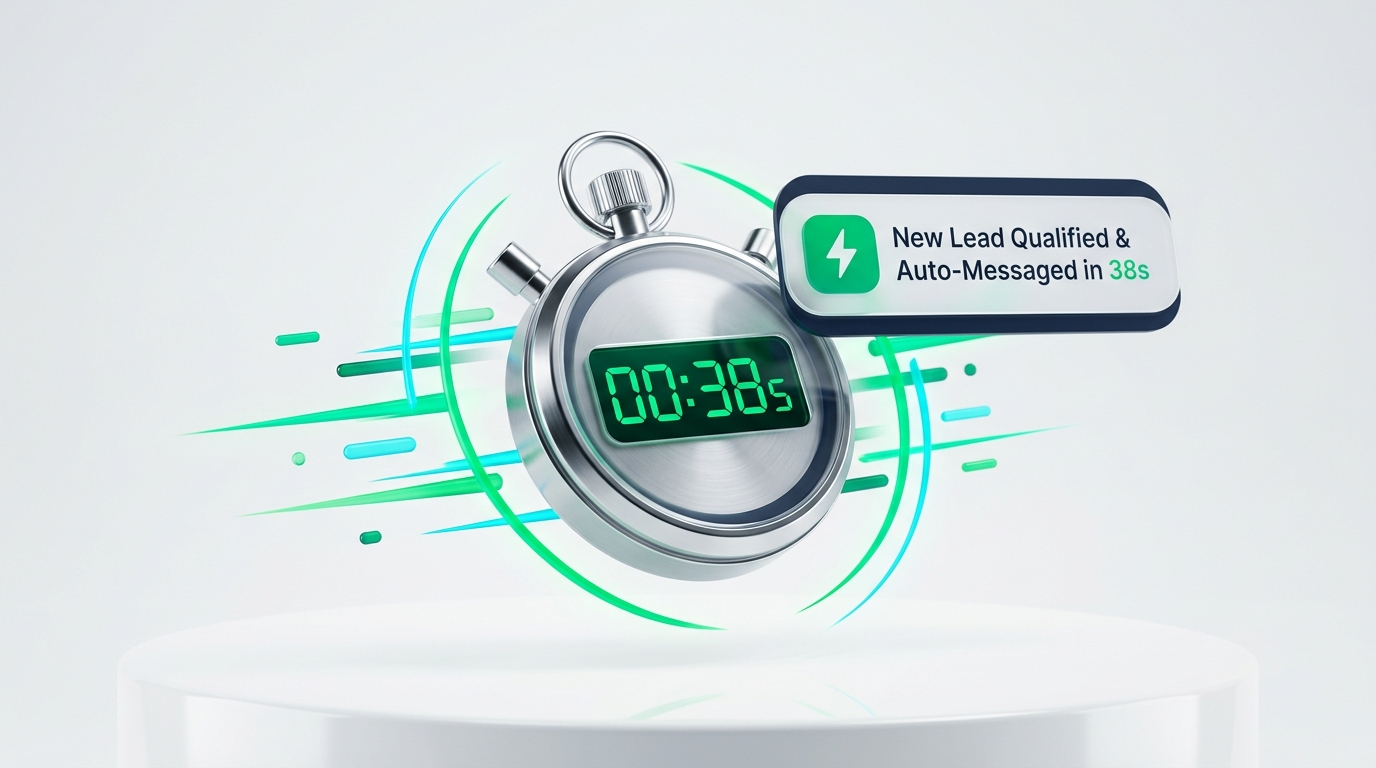
Send a personalized text message within sixty to one hundred twenty minutes of completing the service. Text messages enjoy open rates above ninety percent, compared to less than twenty percent for marketing emails.
Keep your message short and warm. For example: “Hi Sarah, thank you for choosing our team today! If you have sixty seconds, could you share your honest feedback on Google? Here is the direct link: [Link].”
You can connect your invoicing or field service software directly to messaging platforms. Software like Jobber, Housecall Pro, or ServiceTitan can automatically trigger a text when an invoice is marked paid.
This automation ensures no client falls through the cracks. Your review generation continues running in the background while your team moves on to the next job.
How to Guide Clients to Mention Keywords and Neighborhoods
In our previous guide on why competitors outrank you on Google Maps, we noted that Google scans review text for keyword signals.
Reviews that mention specific services and local town names boost your search relevance. However, you must never instruct customers to copy and paste scripted text, as Google detects duplicated review templates easily.
Instead, ask two gentle prompt questions in your follow-up message. For example: “What specific project did our team help you with today? Which neighborhood do you live in?”
When prompted naturally, clients write detailed reviews describing the project. For example, a customer might mention furnace repair in Plano during a winter freeze. That authentic sentence directly reinforces your ranking for local search queries.
In our guide on how to rank on Google Maps, we noted that Google matches review terms against your website service pages. When your reviews, profile categories, and website pages all reference identical service terms, Google algorithmic confidence surges.
Encourage clients to snap a photo of the completed project and attach it to their review. Profiles with user-submitted photos receive higher algorithmic engagement scores.
How to Train Your Field Staff to Collect Reviews
Your technicians and field representatives interact with customers every day. Turning them into active review ambassadors transforms your results.
Create an internal bonus program to reward team members when their name appears in a verified five-star Google review. A simple twenty-dollar bonus per review motivates technicians to deliver exceptional service.
Teach technicians to ask for reviews when walking through the final inspection with the homeowner. Happy customers gladly reward friendly technicians when asked politely.
How to Handle Negative Reviews Professionally
Every business will eventually encounter an unhappy customer or an unreasonable client. How you handle negative feedback determines your true public reputation.
Never respond while angry, and never argue with a customer in public comments. Prospective clients reading your reviews care more about how you handle complaints than the complaint itself.
Follow a calm, three-part response template: acknowledge their frustration, state your commitment to quality, and provide an offline contact method.
For example: “Hello John, we take customer satisfaction seriously and apologize that your experience did not meet our high standards. Please call our owner directly at [Phone] so we can make this right immediately.”
What if a review comes from someone who was never your customer? Disgruntled competitors or random internet bots occasionally leave one-star ratings with no written feedback.
Flag the review inside your Google Business dashboard under the conflict of interest or spam category. Provide transaction receipts showing the reviewer was never in your customer database.
While waiting for Google support to investigate, post a polite public response. State clearly that you have no record of providing service to that name, and invite them to call your office.
The Power of Responding to Every Review
Do not only reply to negative reviews. Make it a company policy to respond to every positive review within twenty-four to forty-eight hours.
Google explicitly states that replying to reviews builds customer trust and improves your local search presence. Active engagement shows search engines that your business is responsive.
Vary your responses so they do not look automated. Mention the client by name and thank them for trusting your team with their home or business.
A quick personal note shows past customers that you appreciate their loyalty, encouraging word-of-mouth referrals.
Review Generation Tactics: Allowed vs Prohibited
Here is a clear reference table comparing compliant review collection practices against banned tactics that risk Google penalties.
| Review Collection Tactic | Google Policy Status | Algorithmic Impact & Risk |
|---|---|---|
| Direct SMS Review Links | 100% Allowed & Encouraged | Highest response rate; completely safe |
| In-Person Verbal Pre-Framing | 100% Allowed & Encouraged | Builds personal commitment and trust |
| Prompting Service & City Details | 100% Allowed | Naturally strengthens local keyword relevance |
| Technician Review Bonuses | 100% Allowed (Internal only) | Motivates field staff without incentivizing customers |
| Review Gating (Filtering unhappy clients) | Strictly Prohibited | FTC violation; risk of review wipeout |
| Review Incentives (Discounts, gift cards) | Strictly Prohibited | Violates FTC guidelines; account suspension risk |
| Office Review Kiosk (Shared Wi-Fi) | Prohibited / Flagged | Reviews from identical IP addresses get filtered out |
| Buying Third-Party Fake Reviews | Strictly Prohibited & Illegal | Immediate profile suspension and legal liability |
Building a five-star reputation takes dedication, but following compliant methods creates lasting value. Implement these steps on your next job and watch your Google reviews multiply.