






When a pipe bursts in a kitchen or someone locks their keys inside a car, they do not browse pages of organic search results. They open their phone, search for a nearby professional, and call one of the top three businesses on Google Maps.
This top section is known as the Google Maps Local 3-Pack. For local service companies, earning a spot in this 3-Pack generates the highest-intent phone calls you can possibly get.
Unlike paid ads that cost money for every single click, ranking organically on Google Maps delivers consistent customer inquiries without ongoing ad spend. Over the years, I have helped numerous local contractors, medical clinics, and service providers climb to the top of Google Maps.
Showing up on Google Maps is not a mystery, and you do not need to pay shady agencies thousands of dollars in recurring retainers. Google relies on specific, measurable ranking factors. In this step-by-step checklist, I will walk you through the exact process to optimize your listing and earn more calls from local searchers.
The 3 Pillars of Google Maps Ranking
Before making changes to your listing, you must understand how Google decides which businesses appear first. Google algorithm ranks local companies based on three primary criteria.
The first factor is Relevance. Relevance measures how well your business profile matches what the searcher needs. If someone searches for emergency roof repair, Google looks for profiles that specialize explicitly in that service.
The second factor is Distance. Distance measures how far your business location is from the person searching, or from the geographic area mentioned in the query. While you cannot change where a searcher is standing, you can optimize your verified service territory.
The third factor is Prominence. Prominence reflects how well-known and reputable your business is across the web. Google measures prominence through review volume, review sentiment, inbound citations, directory listings, and your website authority.
Official guidance from Google Business Profile Help confirms this strategy. Keeping your business information complete, accurate, and active is the most effective way to maximize your local ranking.
Step 1: Claim and Verify Your Google Business Profile
You cannot rank on Google Maps if you do not control your official Google Business Profile. If your listing is unverified, anyone can suggest edits or alter your phone number.
Visit the official Google Business Profile portal and search for your business name. If your company already exists, claim ownership immediately. If your business is new, create a fresh profile.
Google usually requires video verification for new service businesses. During the video, show your permanent exterior street signage, your branded work vehicle, your business registration documents, and your operational tools.
Completing verification cleanly prevents unexpected suspensions. Never use virtual office addresses or P.O. boxes, as Google automated detection algorithms suspend fake addresses quickly.
If you operate from a residential home, you must hide your physical street address. Google requires mobile contractors to designate service territories instead of displaying home addresses.
Displaying a residential address without commercial signage invites profile suspension. Designate specific counties, cities, or zip codes where your trucks travel.
Step 2: Nail Your Primary and Secondary Categories

Your primary category is the single most influential ranking factor on Google Maps. If your primary category is wrong, you will struggle to rank regardless of how many reviews you gather.
Be extremely specific when selecting your primary category. If you run a heating and cooling company, do not select Contractor as your primary category. Choose HVAC Contractor instead.
To find the ideal primary category, search your core service terms in Google Maps. Inspect the top three ranking competitors in your city.
Google displays their primary category directly below their business name. If all three competitors use Plumber instead of Plumbing Supply Store, match their category choice.
After locking in your primary category, select three to five secondary categories that describe your additional services. For example, an HVAC contractor might add Air Conditioning Repair Service, Furnace Repair Service, and Heating Equipment Supplier.
Do not add unrelated categories hoping to attract random traffic. Diluting your category profile confuses the algorithm and hurts your core search rankings.
Step 3: Maintain Bulletproof NAP Consistency

NAP stands for Name, Address, and Phone number. Google cross-references your business information across dozens of third-party directories to verify that your company is real.
Your business name on Google Maps must match your legal business name exactly. Never stuff keywords into your profile title, such as adding Best Plumber Dallas next to your business name. Doing this violates Google guidelines and invites immediate manual suspensions.
Ensure your physical address and local telephone number match across major web directories. These include Yelp, the Better Business Bureau, YellowPages, Apple Maps, and Bing Places.
Always use a local area code for your primary phone number instead of a generic toll-free number. Local numbers reinforce geographic relevance with local searchers.
Step 4: Build a Review Generation Engine

Customer reviews directly influence your position in the Local 3-Pack. More importantly, reviews determine whether a searcher actually calls you or picks your competitor.
Total review count matters, but review velocity matters even more. A business that receives three authentic reviews every week outranks a competitor that received fifty reviews two years ago and then stopped.
Ask satisfied clients for reviews immediately upon finishing a job. Send a direct review link via text message while the customer is smiling and thanking you for great service.
Encourage customers to mention the specific service performed and their neighborhood in the review. When a homeowner writes that your team fixed their tankless water heater in north Plano, Google associates your profile with those exact search terms.
Always reply to every review within twenty-four hours. Professional responses show prospective customers that you care, and active profile engagement signals algorithmic health.
Every growing business receives an occasional negative review. Never respond with anger or defensive arguments.
Acknowledge the customer concern politely, apologize for any frustration, and offer a direct phone number to resolve the issue offline. Prospective clients judge your professionalism by how you handle complaints.
Step 5: Upload Real Photos and Weekly Updates
Profiles that regularly post fresh, high-resolution photos receive significantly more direction requests and phone calls than dormant profiles.
Avoid stock photography entirely. Google automated vision algorithms detect stock images easily and lower profile trust scores.
Upload photos of your real team members, your marked service vans, completed project job sites, and your office lobby. Take before-and-after photos of completed work to build immediate social proof.
Post a weekly Google Business update sharing recent project highlights, seasonal maintenance tips, or community involvement. Regular activity keeps your listing active in local search indexing.
Step 6: Connect Your Profile to an Optimized Website
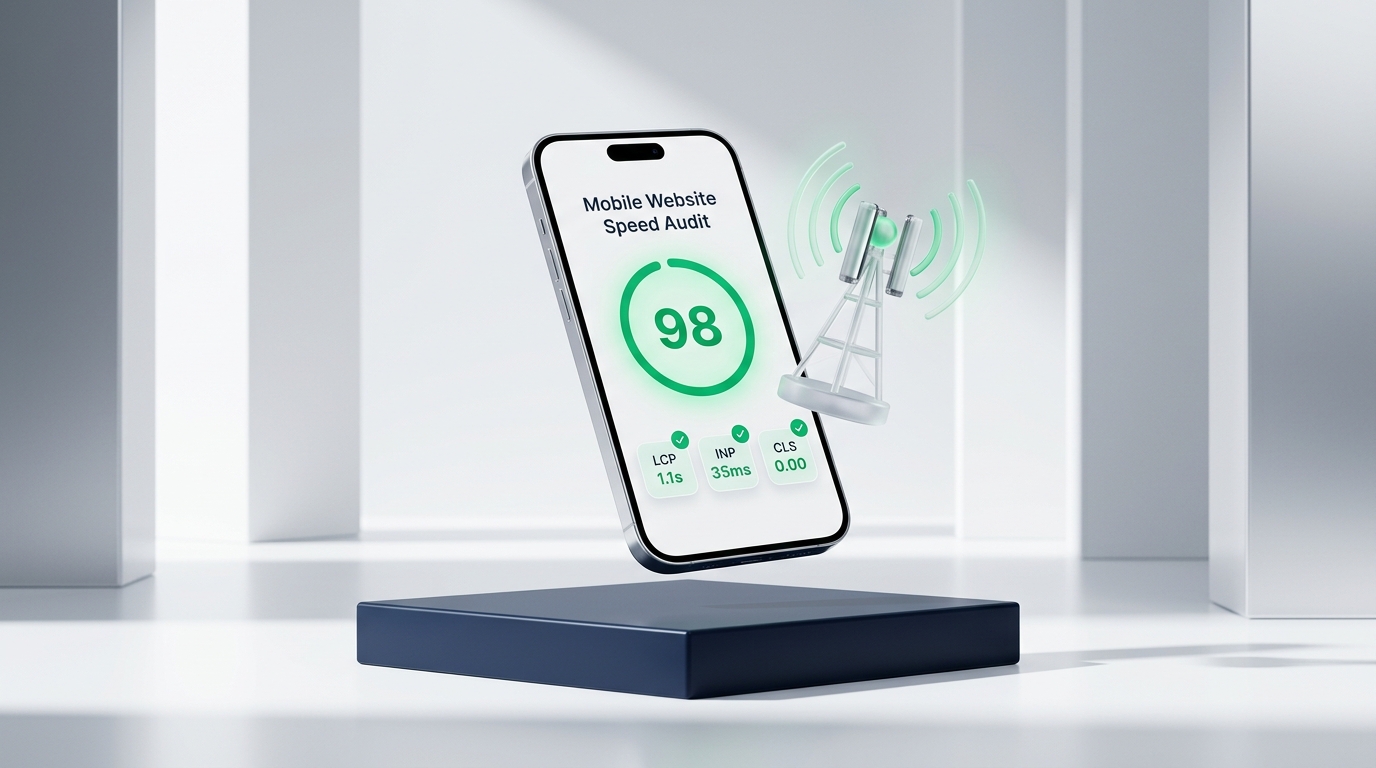
Many business owners forget that their website authority directly powers their Google Maps rankings. The landing page URL linked inside your Google Business Profile must be fast, mobile-friendly, and locally relevant.
In our guide on why mobile websites load slowly, we explained that slow mobile performance hurts visitor retention and search authority.
In our guide on local business website essentials, we emphasized the importance of high-visibility phone buttons.
When mobile visitors click from Google Maps to your website, they want immediate answers. A clean layout with clear service pricing builds instant confidence.
Ensure your website footer displays your exact NAP information matching your profile. Embed a clean Google Map of your verified address on your contact page.
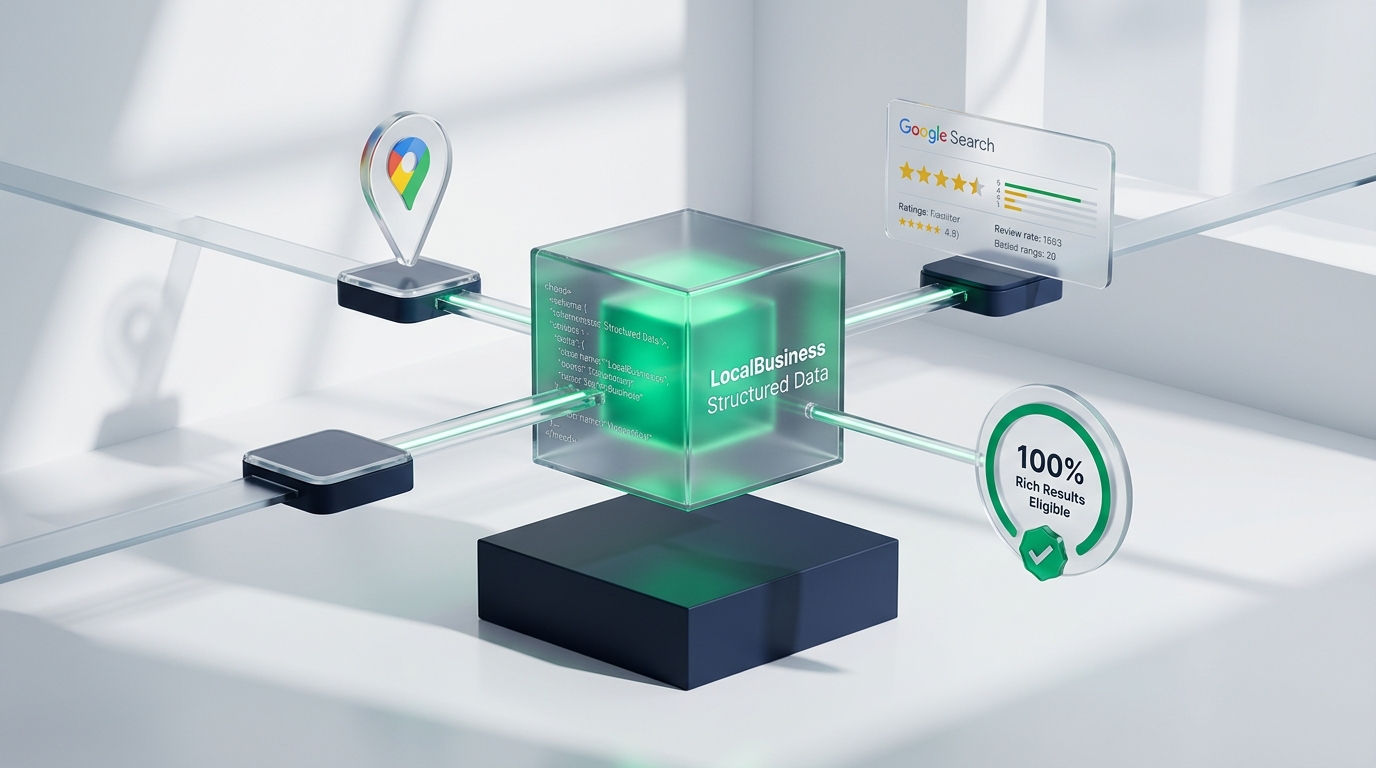
Add structured LocalBusiness JSON-LD schema markup into your website code. Schema markup explicitly tells Google crawler your operating hours, geo-coordinates, served cities, and accepted payment methods.
If you serve multiple towns, build dedicated city service pages on your website. Linking to localized pages helps expand your Maps visibility across surrounding suburban zip codes.
Step 7: Track Call and Direction Insights in Business Profile
Google Business Profile provides built-in performance analytics. You can track how many people found your listing via discovery searches versus direct branded searches.
Monitor monthly trends for direction requests, website clicks, and inbound phone calls. These telemetry metrics show you which days and times drive peak customer interest.
If phone inquiries drop suddenly, check your profile immediately. Make sure your business hours, holiday schedules, and contact details remain accurate.
Google Maps Optimization Checklist
Here is a complete checklist to audit and optimize your local Google Maps presence.
| Optimization Step | Action Item | Impact on Maps Rank |
|---|---|---|
| Profile Verification | Complete video verification with physical proof of business operations | Required to appear on Google Maps |
| Category Selection | Set exact primary category plus 3 to 5 relevant secondary categories | Highest impact on keyword relevance |
| NAP Consistency | Standardize business name, address, and local phone across directories | Builds foundational algorithmic trust |
| Review Generation | Automate post-job text review requests to maintain steady review velocity | Increases prominence and conversion clicks |
| Photo Uploads | Publish 3 to 5 authentic job site photos and team pictures weekly | Boosts customer interaction and user engagement |
| Website Geo-Relevance | Implement LocalBusiness schema markup and mobile speed optimization | Expands geographic ranking radius across town |
| Insights Monitoring | Review monthly discovery searches, calls, and direction request reports | Identifies seasonal demand and ranking drops |
Consistently executing these steps establishes strong local prominence that competitors cannot easily displace. Optimize your profile today and turn local searchers into daily phone calls.