






Few things frustrate a local business owner more than checking Google Maps and seeing a direct competitor rank above them. This frustration multiplies when that competitor has fewer reviews, a worse reputation, or a clunky website.
You might wonder if your competitor is using black-hat tactics or paying Google under the table. In reality, the Google Maps algorithm does not favor businesses arbitrarily.
Google relies on specific signals to determine local prominence and relevance. When a rival outranks you, it usually means their profile sends stronger algorithmic signals in one or two critical areas.
I have audited hundreds of local business listings that were stuck below competitors. In most cases, simple structural adjustments helped them reclaim top positions. In this guide, I will share an eight-point audit. You can diagnose why your competitor ranks higher and fix the issue quickly.
Check 1: Primary Category Mismatch

Your primary category is the heaviest relevance signal in the entire Google Maps algorithm. A slight difference here can prevent your profile from triggering for high-intent search terms.
Many business owners choose broad categories when creating their profiles. For example, a water damage restoration company might pick Contractor or Cleaning Service instead of Water Damage Restoration Service.
Look at the exact wording Google displays under your top competitor business name on desktop Maps. If their listing says Roofing Contractor and yours says General Contractor, Google will rank them higher for every roofing search query.
Change your primary category to match your highest-margin, most important service. Then assign your secondary services to the secondary category fields.
Secondary categories also expand your search reach significantly. If your competitor has added specific secondary services like Emergency Plumber or Boiler Repair, they qualify for those searches.
Audit your secondary services against their profile. Make sure you cover all legitimate services you offer without adding irrelevant categories.
Check 2: Physical Location and the Proximity Centroid
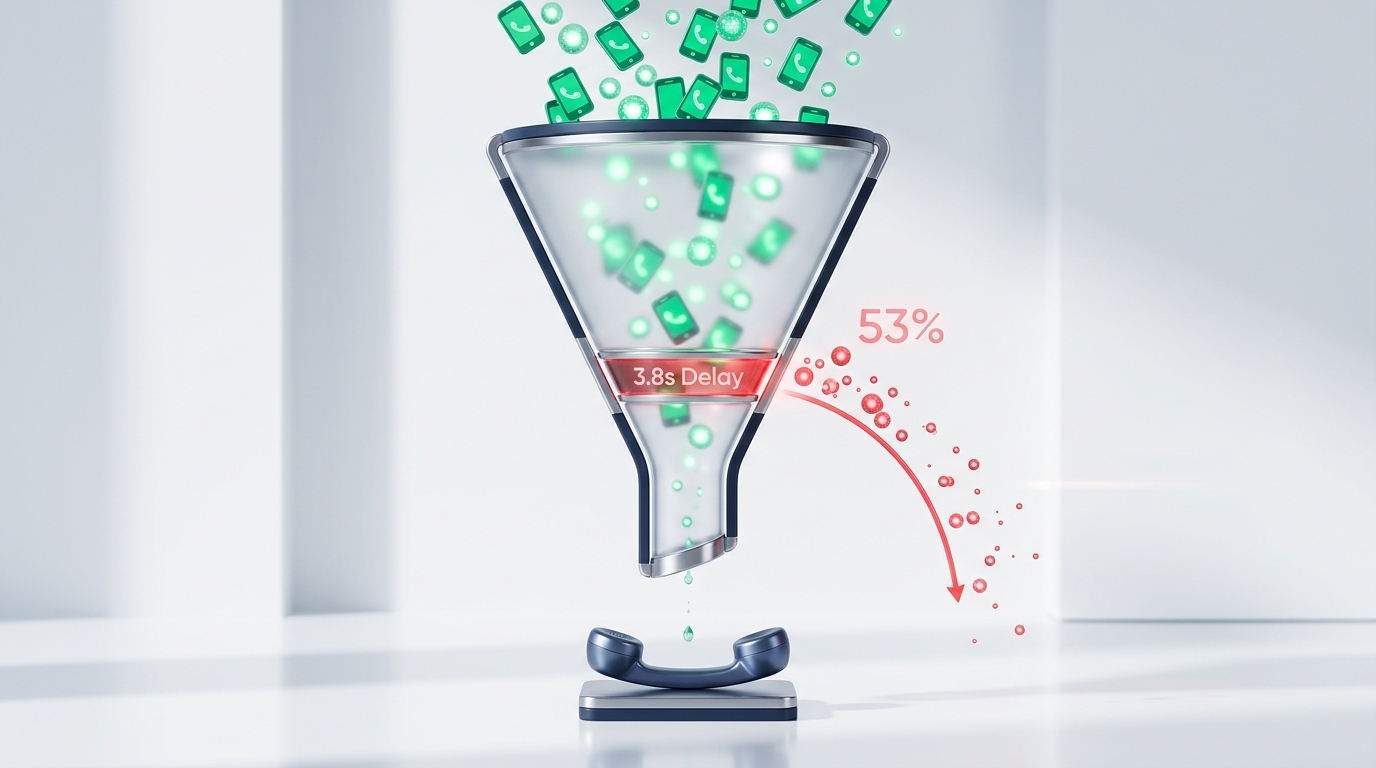
Distance is one of the three core pillars of local search. Google calculates proximity based on where the user is physically located when performing the search.
If you search for your services while sitting in your office, you might see your listing at number one. But if a potential client searches three miles away across town, your competitor might rank first simply because their building is closer.
Suppose your competitor sits in the commercial center of town while your shop sits on the outer perimeter. They gain a natural proximity advantage for general city-name searches.
You cannot change your physical location overnight. However, you can offset a distance disadvantage by building stronger prominence signals through reviews, citations, and localized website content.
Check 3: Review Velocity vs Total Review Count

Business owners often say, “I have one hundred reviews and my competitor only has forty. Why are they ranking above me?”
Total review count is only half of the equation. Google also measures review velocity, which refers to how frequently and consistently your business receives fresh feedback.
If your one hundred reviews were collected two years ago and you have received zero reviews this month, Google views your listing as stagnant. Meanwhile, if your competitor earns two fresh reviews every week, Google algorithm interprets that steady activity as proof of an active, reliable company.
Google rewards businesses that generate steady review momentum. A business that gathers three reviews every single week demonstrates active operational trust.
Implement an automated review request workflow immediately. Send text review invitations to every satisfied customer within two hours of completing a job.
Encourage your technicians or field reps to ask for feedback before leaving the driveway. Personal requests face far less resistance than impersonal email surveys.
Check 4: Service Keywords Inside Customer Reviews
Google automated sentiment processing scans customer reviews for relevant service terminology. When happy clients naturally mention specific services, those words act as powerful relevance boosters.
Suppose a customer leaves your competitor a glowing review for replacing a commercial flat roof. That review directly reinforces your competitor authority for commercial flat roofing searches.
If your reviews only say, “Great service, nice guys,” Google gets zero contextual service data from that feedback.
When asking clients for feedback, guide them gently. Ask them to mention what specific problem you solved and what neighborhood they live in. This natural phrasing builds deep keyword relevance without violating Google guidelines.
Customer photos inside reviews provide another subtle ranking boost. When clients upload snapshots of your finished work alongside their review, Google engagement algorithms take notice.
Profiles with customer-submitted photos earn higher interaction rates. These photos confirm that your team completes real work in the local community.
Check 5: Competitor Business Name Keyword Stuffing

Google algorithm places heavy ranking weight on the words contained inside the official business name. Unfortunately, some competitors exploit this by stuffing keywords into their title.
For example, a company legally named Apex Plumbing might change their Google listing to Apex Plumbing Dallas Emergency Drain Cleaning. This tactic is a direct violation of Google Business Profile guidelines.
Adding fake keywords to your title can produce an artificial ranking spike. However, it also exposes that business to severe algorithmic penalties or instant suspension.
Never copy this dirty tactic. Instead, submit a suggested edit on Google Maps to remove the spam keywords. If the spam persists, file an official Business Redressal Complaint with Google support alongside photographic proof of their real corporate name.
Check 6: Linked Website Authority and Organic Relevance
Your Google Maps ranking is intimately tied to the organic authority of the website page linked inside your profile.
In our guide on how to rank on Google Maps, we showed how your website acts as the foundation for your local visibility.
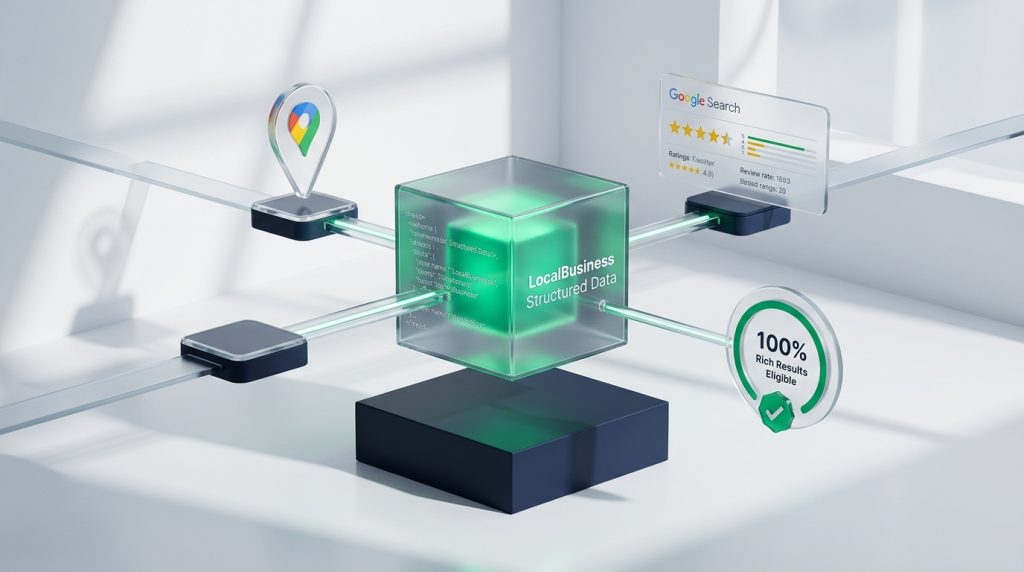
If your competitor links to a fast, mobile-friendly homepage with rich local content, their profile receives stronger algorithmic backing. If your linked website is slow, lacks LocalBusiness schema markup, or fails Core Web Vitals, your Maps ranking suffers.
In our analysis on why websites load slowly on phones, we demonstrated that mobile latency hurts user engagement signals. Improve your website speed, add structured data, and build quality local backlinks to strengthen your Maps rank.
Check 7: Citation Inconsistencies and Duplicate Listings
Google verifies the physical legitimacy of your business by checking local directories like Yelp, Apple Maps, Bing Places, and the Better Business Bureau.
If your company has changed phone numbers or moved addresses in the past, old conflicting records may still float around the web. These discrepancies weaken Google algorithmic confidence in your business location.
Furthermore, accidental duplicate listings are surprisingly common. An agency or past employee might have created a second Google profile years ago under a slightly different name.
Aggregator networks feed data to hundreds of smaller directories. If an old address remains uncorrected on major networks, incorrect records will continue resurfacing.
Run a citation audit across major data aggregators. Clean up incorrect phone numbers, fix outdated suite numbers, and merge or delete duplicate listings permanently.
Check 8: Profile Completeness and Weekly Activity
A dormant profile sends negative freshness signals to search engines. Google rewards businesses that use all available profile features.
Check if your competitor has filled out their full product catalog, services list, business hours, special holiday hours, and business attributes. Ensure your own profile is one hundred percent complete.
Upload authentic photos of your team, company vehicles, and recent job sites every week. Post regular updates on your profile announcing seasonal promotions or local community news.
Check 9: Google Business Profile Message Response Speed
Did you know that Google tracks how quickly you respond to customer messages? If you enable Google direct messaging, your average response time displays publicly to users.
Answering customer chat inquiries within fifteen minutes boosts algorithmic responsiveness scores. Prompt communication signals that your business is ready to serve immediate buyers.
If you cannot respond to chats quickly during work hours, turn off the chat feature. Having a slow response badge damages your conversion rates and hurts your ranking visibility.
Competitor Audit Checkpoints vs Immediate Fixes
Use this practical checklist to compare your profile against your top competitor and plan your corrective action.
| Audit Checkpoint | What Competitor May Have | Your Immediate Corrective Action |
|---|---|---|
| Primary Category | Exact niche-specific category match | Switch your primary category to mirror the market leader |
| Review Velocity | Fresh reviews arriving weekly | Set up automated post-service SMS review requests |
| Keyword Mentions | Client reviews referencing specific services | Ask clients to name the exact job completed in their review |
| Title Keyword Spam | Added city names or services to business name | Submit a Google Maps edit or file a Business Redressal complaint |
| Website Speed & Schema | Fast mobile site with LocalBusiness JSON-LD | Add structured schema markup and pass mobile Core Web Vitals |
| Profile Freshness | Weekly job photos and active Google posts | Upload 3 authentic project photos every Monday morning |
| Chat Responsiveness | Instant replies to Google direct messages | Enable mobile notifications to reply within 15 minutes |
By auditing these eight ranking factors, you can close the algorithmic gap. You will climb into the Local 3-Pack and turn local searches into daily calls.