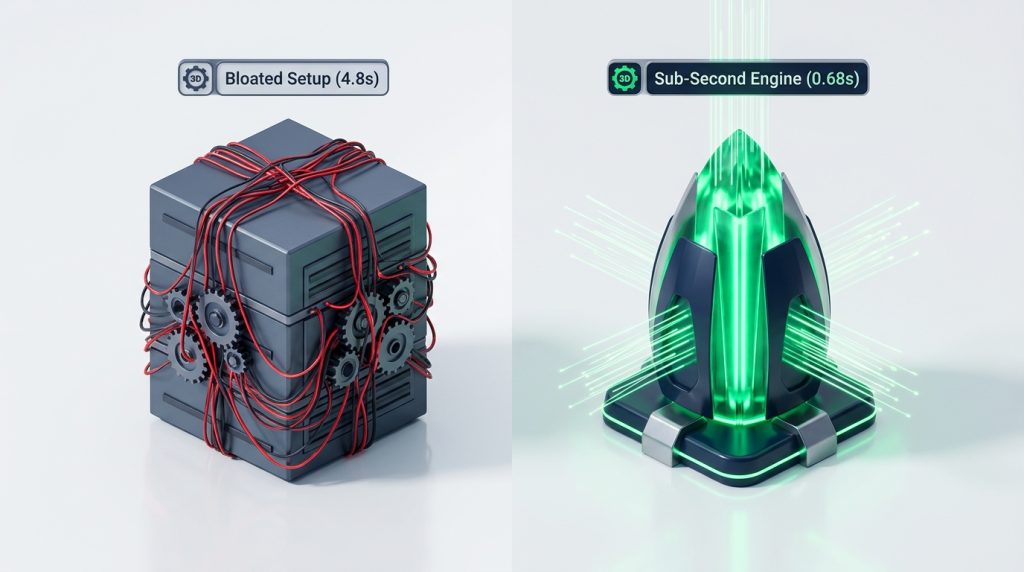








Many small business owners treat their website like a printed billboard. They pay a developer to launch the site, celebrate the new design, and never log in again for three years.
Then one morning, catastrophe strikes. A customer calls to say the website displays a white screen. Or Google flags the site for malware, and company emails begin bouncing across every client account.
I have managed and maintained hundreds of commercial WordPress websites for local service trades and medical practices. WordPress is not a static brochure. It is an active software application running on a live web server.
In this guide, you will learn what maintenance a WordPress site actually needs. You will discover what tasks to automate and how to protect your leads.
Why Set-and-Forget Websites Fail

WordPress powers over forty percent of the entire internet. Because it is so popular, automated bot networks scan WordPress sites twenty-four hours a day looking for unpatched vulnerabilities.
When plugin developers discover a security flaw, they release a software patch immediately. If your site sits neglected for six months, automated bots will find that known flaw and inject spam links into your pages.
In our review of WordPress vs Wix vs Squarespace, we highlighted that open-source code gives you complete ownership. But owning your software also means taking responsibility for basic maintenance.
When you invest in professional web design services or a managed care plan, proactive maintenance protects your digital investment.
The 3 Non-Negotiable Pillars of WordPress Maintenance
Web maintenance sounds complicated, but it breaks down into three core technical priorities. If you manage these three pillars correctly, your site will remain fast, stable, and secure.
1. Automated Uptime and Security Monitoring
You should never find out your website is down from an upset customer. Free tools like UptimeRobot ping your web address every sixty seconds.
If your web server crashes or a database connection fails, you receive an instant alert via text message or email. This lets you resolve issues before losing valuable daytime leads.
Install a reputable security firewall plugin like Wordfence or Solid Security. These tools block malicious brute-force login attempts and alert you when suspicious administrator accounts appear.
2. Safely Managed Software Updates
Every WordPress build relies on three software layers: WordPress core, your active theme, and individual functional plugins.
Each of these layers receives routine updates. These updates patch security holes, improve compatibility with newer PHP versions, and optimize database queries.
As we showed in our benchmark on Elementor or Gutenberg for WordPress, page builders and visual plugins require careful testing. Updating software without testing can cause broken buttons and distorted mobile layouts.
3. Verified Offsite Cloud Backups
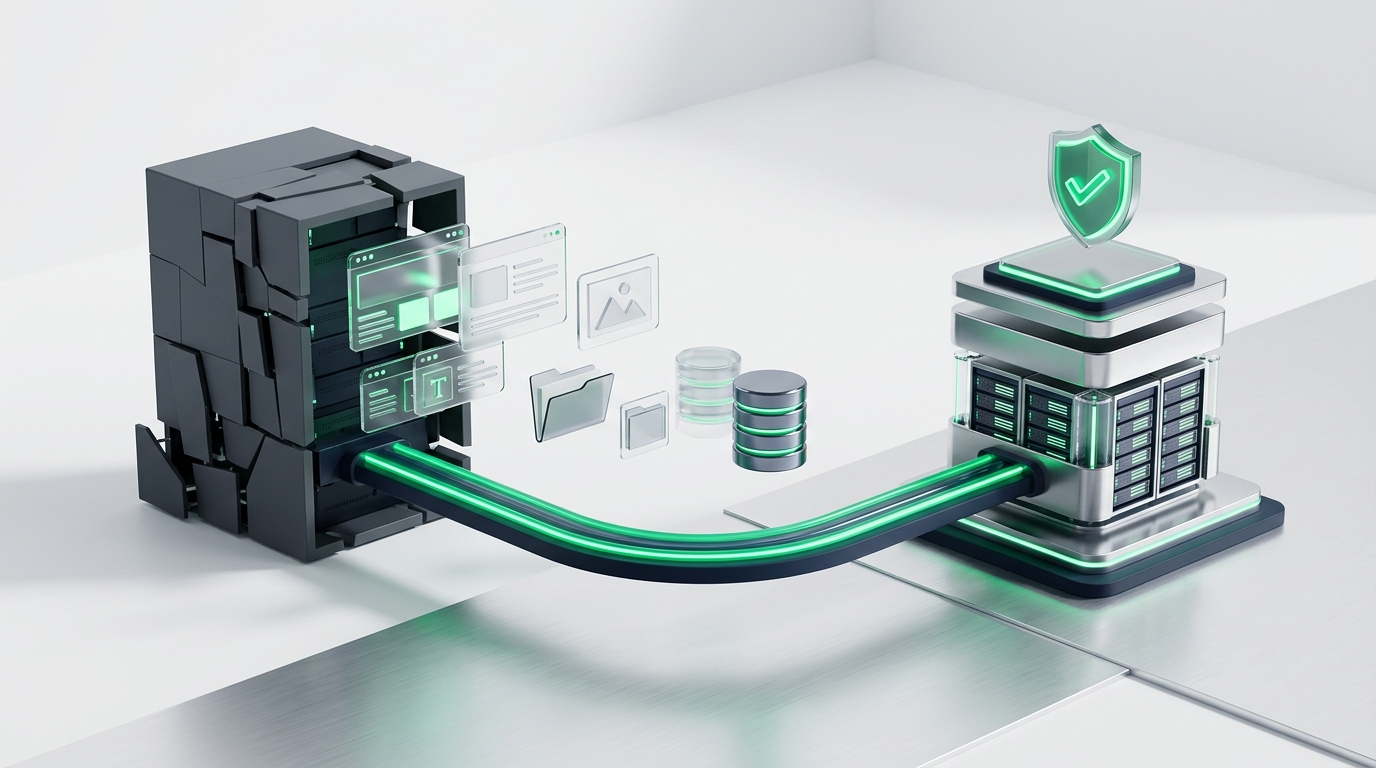
A backup is your ultimate safety net. If a server hardware failure occurs or human error damages a page, a clean backup restores your site in minutes.
However, the backup must be stored offsite. If your backup files sit on the exact same server as your website, a total server crash destroys both your site and your backups simultaneously.
Store daily database backups and weekly media files on external cloud storage, such as Google Drive or Amazon S3. Test restoring a backup at least twice a year to ensure your archives are uncorrupted.
4. PHP Engine Upgrades and Server Performance
Behind WordPress sits the PHP programming language. Web hosts update PHP versions every two years to increase execution speed and patch vulnerabilities.
Running an outdated PHP version slows down your pages and exposes your server to exploits. Upgrading to modern PHP versions improves server response times by over twenty percent.
Ensure your hosting server provides adequate PHP memory limits. Setting your memory limit to two hundred fifty-six megabytes prevents memory exhaustion errors during heavy plugin execution.
The Practical WordPress Maintenance Cadence
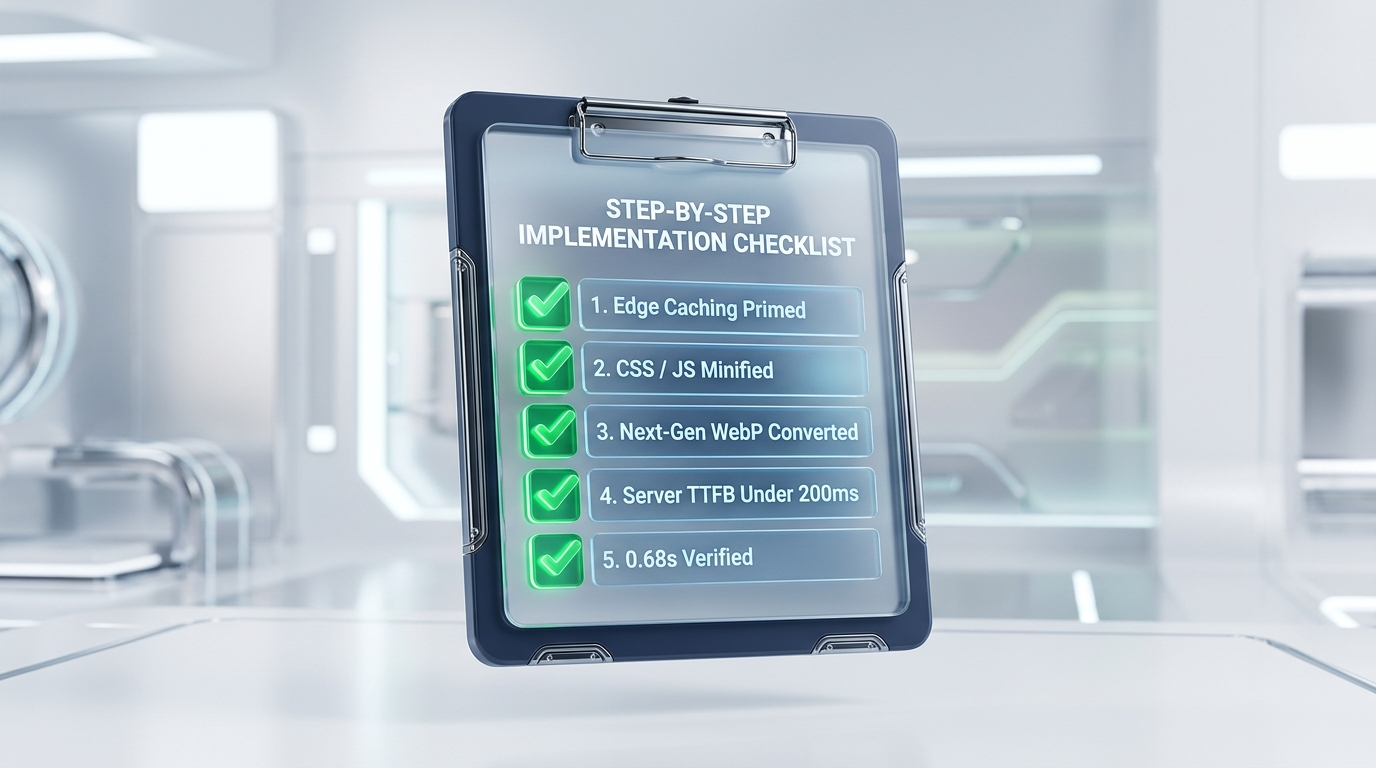
You do not need to spend hours inside your dashboard every day. Follow this structured schedule to keep your site in peak condition.
| Cadence | Maintenance Focus | Time Required | Action Items |
|---|---|---|---|
| Daily | Automated Health | 0 Minutes (Automated) | Continuous uptime monitoring; malware scanning; offsite database snapshot |
| Weekly | Routine Checkup | 10 Minutes | Clear comment spam; review plugin security notices; check form submission logs |
| Monthly | Deep Housekeeping | 30 Minutes | Test contact forms; update plugins on staging; optimize database tables; verify backup restore |
| Quarterly | Strategic Audit | 45 Minutes | Audit administrator accounts; review PHP server version; inspect Google Search Console index |
Notice that daily tasks run completely on autopilot. A busy business owner only needs forty minutes of active attention each month to maintain a healthy website.
Automated spam filtering prevents bot submissions from cluttering your customer relationship databases. Adding Honeypot fields or modern cloud verification keeps your forms clean without forcing human users through annoying puzzles.
The Danger of Blind Automatic Updates

Many hosting providers advertise one-click automatic updates for all plugins. While convenient, enabling blind auto-updates across every plugin is dangerous.
If an updated form plugin conflicts with your page builder, your contact form may stop submitting leads silently. You might not notice the error for two weeks, costing your business dozens of booked appointments.
In our guide on the 10-minute website self-audit, we explained that broken forms are the primary cause of lost digital leads. Always run major plugin updates on a staging copy of your site before pushing changes live.
Major Core Releases vs Minor Security Patches
WordPress categorizes software updates into two distinct types. Understanding the difference prevents unnecessary panic.
Minor releases contain essential security patches and bug fixes. These updates are safe to automate because they rarely alter functional code.
Major releases introduce structural code changes and new database schemas. These updates require manual inspection on a staging server before deployment to live production.
Always configure your site to generate an automatic restore checkpoint before running updates. If an update causes an unexpected error, a single click rolls your site back instantly.
Monthly Form Deliverability and Database Hygiene
Every month, submit a live test inquiry through your website contact forms. Verify that the lead notification reaches your inbox within two minutes.
If the message lands in spam or fails to arrive, check your SMTP relay settings immediately. In our analysis on small business website costs, we stressed that authenticated SMTP delivery is essential for revenue generation.
Additionally, clean up database clutter every month. Over time, WordPress stores hundreds of post revisions, expired transient caches, and spam logs. Pruning these records keeps your database responsive and speeds up page load times.
Pruning Autoloaded Options in Your Database
When plugins are uninstalled, they often leave behind leftover configuration entries in your database. These entries are known as autoloaded options.
Every time a visitor opens a page, your server loads every single autoloaded record. Over time, this bloat slows down server response times noticeably.
Cleaning out orphaned plugin data once a year keeps your server memory usage low. That speed boost directly supports faster mobile loading times.
DIY Maintenance vs a Professional Care Plan

As a business owner, your time is your most valuable asset. Deciding between managing maintenance yourself or hiring a professional comes down to simple business economics.
When to Handle Upkeep Yourself
- You run a simple five-page brochure site with zero complex custom features.
- You have comfortable technical confidence navigating hosting panels and database tools.
- You have an extra two hours every month to test updates and troubleshoot errors.
When to Invest in a Professional Care Plan
- Your website is your primary source of new customer phone calls and booked appointments.
- Your hourly rate as a business operator is far higher than the cost of a monthly care plan.
- You want guaranteed response times and emergency restore protection if a server error occurs.
- You want someone who understands who owns your website assets to manage technical governance safely.
An honest WordPress care plan for a small business typically costs between $75 and $200 per month. This includes cloud hosting management, daily offsite backups, plugin staging updates, and active uptime monitoring.
Questions to Ask Before Hiring a Care Plan Provider
Before hiring an agency or freelancer to manage your website, ask three direct questions.
First, ask where they store backups. If they store backups on the same hosting server, find another provider immediately.
Second, ask how they handle plugin updates. They should test updates on a staging copy before pushing changes to your live site.
Third, confirm that you retain full administrative access. A reputable care plan provider supports your business without restricting your account rights.
Fourth, ask about emergency recovery turnaround times. If your website crashes during business hours, your provider should guarantee restoration within one hour.
Fifth, request transparent monthly reports. You should receive a clear summary showing uptime percentages, security blocks, and database optimizations completed.
A website that runs smoothly, loads quickly, and never drops leads protects your business reputation. Implementing a disciplined maintenance plan ensures your digital assets continue generating revenue for years to come.
Routine website maintenance is not an optional luxury. It is essential business insurance for your local company.