







Choosing a website platform is one of the first big decisions a local company makes. If you compare wordpress vs wix for small business growth, picking the wrong tool can cost you thousands of dollars and wasted months.
Most small business owners want three simple things. They want a site that looks professional, shows up on Google Maps, and makes the phone ring. They do not want to spend their evenings writing code or fighting technical bugs.
I build and manage high-performing local business websites at Built Better Growth. In this honest guide, I will compare WordPress, Wix, and Squarespace across cost, SEO, and ownership so you can make the right choice. You can also explore my full web design services if you want me to build and maintain your site for you.
The Real Trap of Proprietary Website Builders
Platforms like Wix and Squarespace run flashy television commercials. They promise that anyone can drag and drop their way to a beautiful website in one afternoon.
For a brand new hobby or a local bake sale, that promise is mostly true. For an ambitious local contractor, doctor, or law firm, hosted site builders quickly become a digital cage. You do not own your software, and you cannot move your website files if prices increase.

Here are the primary ownership risks every business owner must understand before signing up:
- No export button: If you outgrow Wix or Squarespace, you cannot export your design. You must rebuild your entire website from scratch on a new platform.
- Subscription price creep: Hosted builders start cheap, but add monthly fees for essential business features like forms, scheduling, and extra storage.
- Restricted SEO infrastructure: You cannot modify server configurations, create advanced database tables, or add custom caching headers.
- Platform lock-in: If the platform experiences server downtime or changes its terms, your business has zero control over your digital storefront.
I learned early in my web design career that owning your digital assets is the safest long-term strategy for any company.
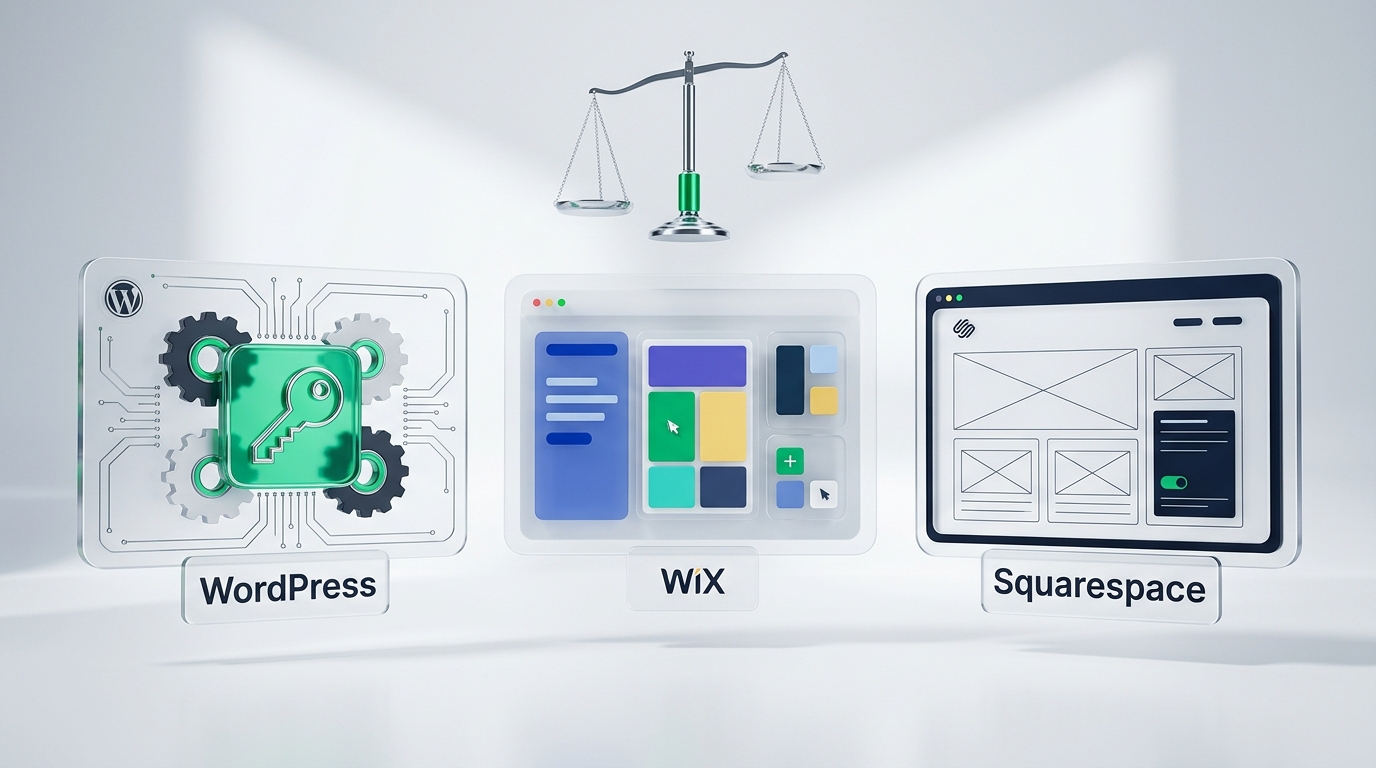
WordPress vs Wix vs Squarespace: Detailed Comparison
When selecting the best website builder for local business marketing, you must look beyond the initial setup screen. You need to evaluate ongoing costs, speed, and ranking potential.
Here is an honest breakdown comparing how default hosted builders perform against the custom WordPress architecture I build:
| Evaluation Aspect | The Default or Cheap Way | How I Do It | What You Can Measure |
|---|---|---|---|
| Asset Ownership | Renting space on proprietary cloud servers with no data export option. | I build on open-source WordPress where you own your domain, hosting, and code completely. | Direct access to database and theme files via SFTP. |
| Local SEO & Schema | Using automated basic meta tags with limited custom structured data. | I configure custom JSON-LD LocalBusiness schema and granular indexation controls. | Rich snippet validation in Google Search Console. |
| Mobile Page Speed | Relying on builder JavaScript layers that produce slow mobile render times. | I strip render-blocking code and use server-level caching for sub-second loads. | Mobile Largest Contentful Paint under 2.5 seconds on web.dev. |
| Long-Term Running Cost | Paying compounding monthly subscription tiers for forms and extra bandwidth. | You pay only standard fast web hosting with zero artificial feature paywalls. | Annual website operating expenses on your profit and loss sheet. |
| Scalability & Features | Hitting feature ceilings when you want custom customer portals or local directories. | Unlimited expansion into custom post types, booking workflows, and CRM automations. | Number of third-party tool integrations without monthly licensing limits. |
According to official documentation from WordPress.org documentation, open-source WordPress powers more than 40 percent of the entire internet. This widespread adoption ensures that your website will never be discontinued by a private corporation.
How to Choose the Right Platform for Your Local Business
To make the right investment, evaluate your business goals against these four key criteria. Each step highlights what to check and the common traps to avoid.
1. Evaluate Your Local SEO Requirements
If your business relies on local customers finding you on Google Search and Google Maps, your SEO infrastructure is your highest priority. Search engines reward websites that have fast clean code and proper schema markup.
Hosted builders like Wix and Squarespace have improved their basic SEO tools over the years. However, when evaluating wix vs wordpress seo, WordPress offers unmatched flexibility. With WordPress, you can configure precise canonical tags, edit robots.txt, and build dedicated location landing pages without URL nesting restrictions.

How to check it worked: Inspect your location pages in the Google Rich Results Test tool. Your local schema should validate cleanly with zero warnings.
Common mistake: Assuming that filling in basic meta descriptions is enough to rank for competitive local keywords. Technical site structure matters just as much.
2. Calculate the True 3-Year Cost of Ownership
A twenty-dollar monthly plan sounds affordable when you launch. Over three years, proprietary platforms force you to upgrade to higher tiers as your traffic and form submissions grow.
When you build on WordPress, you pay an independent web hosting provider directly. You can switch hosting companies in thirty minutes if your host raises prices or delivers poor support. That competition keeps your operating expenses low.

How to check it worked: Total your monthly software invoices across all website add-ons. A streamlined WordPress stack typically costs less per month while delivering greater performance.
Common mistake: Ignoring the cost of third-party apps on hosted app stores. Buying separate apps for reviews, forms, and popups can quickly push your monthly bill over one hundred dollars.
3. Test Mobile Loading Speed and Phone Call Conversion
Most local searches happen on smartphones. A customer with a leaking pipe or broken furnace will not wait five seconds for heavy builder scripts to load.
I covered this issue in depth in my recent guide on why websites load slowly on mobile phones. Proprietary builders bundle heavy JavaScript that slows down mobile devices. With WordPress, you can optimize your critical CSS and serve lightweight WebP images to protect your inbound call volume.
How to check it worked: Test your web address in Google PageSpeed Insights under the Mobile tab. Aim for a mobile performance score above ninety.
Common mistake: Judging speed based on your desktop computer while connected to office Wi-Fi. Always test on a phone using cellular data.
4. Plan for Platform Migration and Future Growth
Your business will look different three years from now. You might want an online booking system, a private client portal, or custom automated lead follow-ups.
On Squarespace or Wix, you are limited to the features their internal engineering team decides to build. On WordPress, you can integrate any modern software tool, hire any developer, or build custom workflows whenever you are ready.

How to check it worked: Confirm that you can download a full backup file of your entire website database and media library at any time.
Common mistake: Building on a proprietary builder believing you can easily transfer the design later. Moving off Wix requires re-entering every paragraph and re-uploading every image manually.
What I Would Pick for a Local Business (The Verdict)
If you are a freelancer needing a simple portfolio without search rankings, Squarespace works fine for visual styling.
If you run a serious local trade, medical practice, or professional service firm that relies on inbound phone calls, I pick WordPress every single time. WordPress gives you complete asset ownership, superior speed optimization capabilities, and unmatched local search visibility.
- Full asset control: You never have to worry about a private company locking your account or raising renewal prices without recourse.
- Higher local rankings: You can optimize every technical aspect of your pages to satisfy Google Core Web Vitals guidelines.
- Better phone call conversion: Clean, custom pages load instantly on mobile phones, turning local searchers into booked jobs.
Investing in an open-source platform guarantees that the equity you build into your website stays with your business forever.
Frequently Asked Questions About Website Builders
Is WordPress better than Wix for SEO?
Yes, WordPress is significantly better for local SEO. WordPress allows complete control over technical factors such as server caching, custom schema markup, canonical URLs, and mobile asset optimization. Wix provides basic meta tags, but restricts access to the underlying server configuration that search engines prioritize.
Can I move from Wix to WordPress?
You can move your domain and copy your content, but there is no direct export tool. Because Wix is a closed proprietary system, migrating to WordPress requires rebuilding your page layouts and manually copying text and images. Starting on WordPress avoids this expensive future migration process.
Which builder costs least to run?
WordPress is usually the most cost-effective platform over three years. While initial setup may require an upfront investment, ongoing hosting costs are low and you avoid expensive monthly subscription tiers. Hosted builders like Wix and Squarespace add monthly fees for forms, booking tools, and extra bandwidth.
Who owns the content on Wix vs WordPress?
On WordPress, you own your website files, database, and design completely. You can move your entire site to any web hosting company at any time. On Wix, you license access to their proprietary software, and you cannot take your website files with you if you leave.
{
“@context”: “https://schema.org”,
“@type”: “FAQPage”,
“mainEntity”: [
{
“@type”: “Question”,
“name”: “Is WordPress better than Wix for SEO?”,
“acceptedAnswer”: {
“@type”: “Answer”,
“text”: “Yes, WordPress is significantly better for local SEO. WordPress allows complete control over technical factors such as server caching, custom schema markup, canonical URLs, and mobile asset optimization. Wix provides basic meta tags, but restricts access to the underlying server configuration that search engines prioritize.”
}
},
{
“@type”: “Question”,
“name”: “Can I move from Wix to WordPress?”,
“acceptedAnswer”: {
“@type”: “Answer”,
“text”: “You can move your domain and copy your content, but there is no direct export tool. Because Wix is a closed proprietary system, migrating to WordPress requires rebuilding your page layouts and manually copying text and images. Starting on WordPress avoids this expensive future migration process.”
}
},
{
“@type”: “Question”,
“name”: “Which builder costs least to run?”,
“acceptedAnswer”: {
“@type”: “Answer”,
“text”: “WordPress is usually the most cost-effective platform over three years. While initial setup may require an upfront investment, ongoing hosting costs are low and you avoid expensive monthly subscription tiers. Hosted builders like Wix and Squarespace add monthly fees for forms, booking tools, and extra bandwidth.”
}
},
{
“@type”: “Question”,
“name”: “Who owns the content on Wix vs WordPress?”,
“acceptedAnswer”: {
“@type”: “Answer”,
“text”: “On WordPress, you own your website files, database, and design completely. You can move your entire site to any web hosting company at any time. On Wix, you license access to their proprietary software, and you cannot take your website files with you if you leave.”
}
}
]
}