





Most small business owners believe their website is working fine simply because the homepage loads. They do not realize that hundreds of prospective customers visit their site every month, get frustrated, and leave without calling.
You do not need to pay an agency five thousand dollars for a bloated technical audit. You do not need confusing crawl reports filled with hundreds of minor warnings that have zero impact on your sales.
I have audited commercial websites for local contractors, plumbers, roofers, and healthcare clinics. In almost every case, lost sales trace back to four or five obvious friction points hiding in plain sight. In this guide, you will run a complete ten-minute self-audit using your smartphone to find and fix those leaks.
Why Regular Self-Audits Protect Your Revenue

A business website is an active machine with moving software parts. Third-party plugins receive updates, hosting settings change, and contact forms quietly fail without triggering an alert.
As we showed in our breakdown on why mobile sites load slowly, performance issues hit mobile visitors hardest. When you invest in professional web design services, you maintain a lean conversion path that keeps leads flowing smoothly.
Set a timer on your phone for ten minutes. Work through these four diagnostic phases in order to identify where your website loses money.
The Real Financial Impact of Conversion Friction
Local customers are usually searching under urgent conditions. If a homeowner has a burst pipe, they want immediate help.
When your site lags or hides your phone number, they leave instantly. In our review on WordPress vs Wix vs Squarespace, we noted that code efficiency directly protects customer retention.
Losing just two client inquiries a month can cost over twenty thousand dollars a year in booked trade revenue. A ten-minute self-audit is the highest-return task you can complete this week.
You can verify this traffic discrepancy inside Google Analytics 4. Compare your mobile bounce rate against your desktop bounce rate. If mobile visitors leave twice as fast, your mobile layout has severe friction leaks.
Phase 1: The First-Impression and Mobile Usability Check (3 Minutes)
Over sixty percent of local service traffic comes from mobile devices. If your website fails on a smartphone, it fails completely.
1. The 5-Second Stranger Test
Open your homepage on your smartphone. Imagine you are a homeowner whose basement is flooding or whose air conditioning just shut down.
Can a stranger answer two vital questions within five seconds: what trade do you provide, and which specific city do you serve? If your headline displays a vague slogan, rewrite it immediately.
2. The Smartphone Click-to-Call Test
Find your business phone number on your screen. Tap it directly with your thumb.
Does your phone immediately launch its native calling dialer? If your visitor has to highlight, copy, and paste the number, over half will give up and call a competitor.
In our guide on local business website must haves, we showed how a sticky call button keeps your phone accessible across every page.
3. The Cellular Speed Reality Check
Disconnect your phone from your fast office Wi-Fi network. Load your website over cellular data.
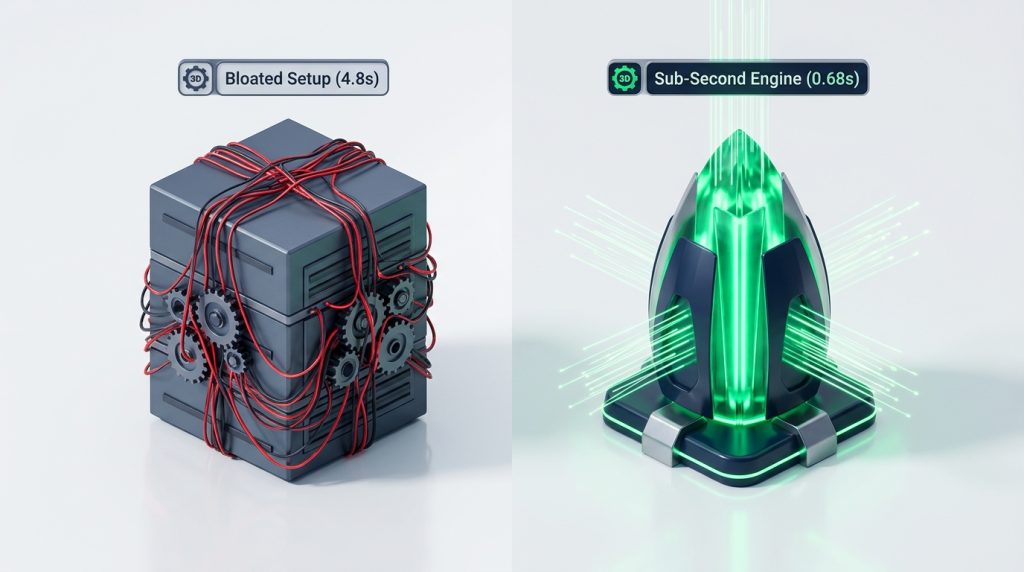
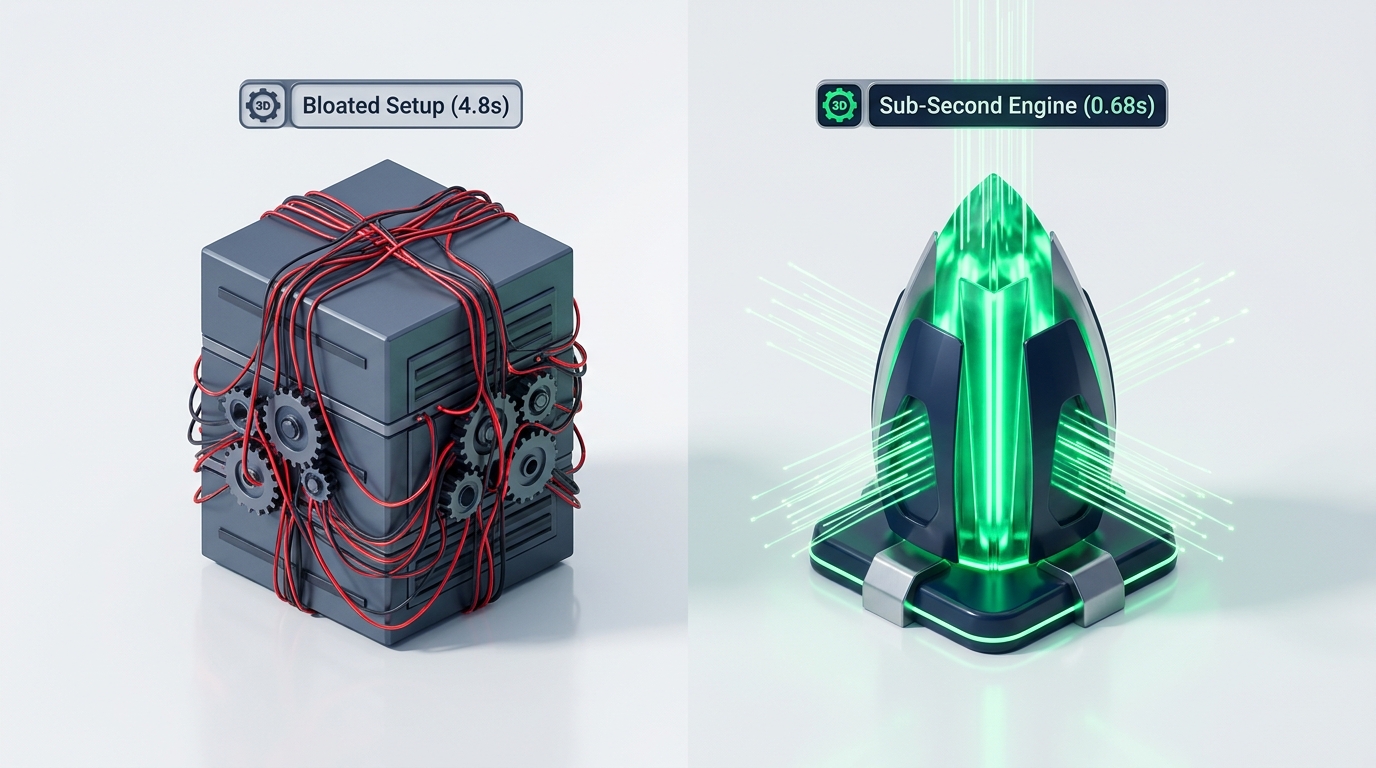
Does the main headline appear within two seconds? If heavy hero graphics freeze your mobile screen, your real customers are bouncing before your contact information even appears.
4. Form Touch Targets and Viewport Scaling
Try tapping inside your inquiry form fields using your thumb. Does your mobile screen awkwardly zoom in or shift sideways?
On Apple iPhones, form inputs with font sizes below sixteen pixels cause automatic screen zooming. This behavior disrupts reading flow and makes forms difficult to complete.
Phase 2: Local Trust and Security Verification (3 Minutes)
Local customers are cautious about inviting trade contractors or doctors into their personal lives. Your website must communicate safety and professionalism immediately.
1. The HTTPS Security Padlock Check
Look at the address bar in your mobile browser. Do you see a secure padlock icon, or does your browser display a “Not Secure” warning?
If your website lacks a valid SSL certificate, modern mobile browsers show alarming full-screen security warnings. In our breakdown on what decides small business website cost, we explained that modern hosting servers provide free SSL certificates automatically.
2. NAP Consistency Verification
Check your business Name, Address, and Phone number (NAP) in your website footer. Compare this text against your live Google Business Profile.
Are they completely identical? Discrepancies in suite numbers, abbreviations, or old phone numbers confuse both human visitors and Google search ranking algorithms.
3. Visible Trust Proof Above the Fold
Do you display real social proof near your primary call buttons? A customer should immediately see your Google review rating, licensing credentials, and insurance status.
Displaying authentic credentials removes psychological doubt and reassures prospects that your business is legitimate and insured.
4. Checking Broken Links and Error Pages
Tap three random service links on your site. Do they take you to active pages, or do you land on a generic error screen?
A broken page tells visitors your company is neglected. If an error occurs, your website should display a helpful message with a direct phone number to call.
You can also log into Google Search Console to inspect the Page Indexing report. Check for four-zero-four error spikes. If search engines encounter missing pages, your local search rankings drop quickly.
Phase 3: The Silent Conversion Leak Test (2 Minutes)
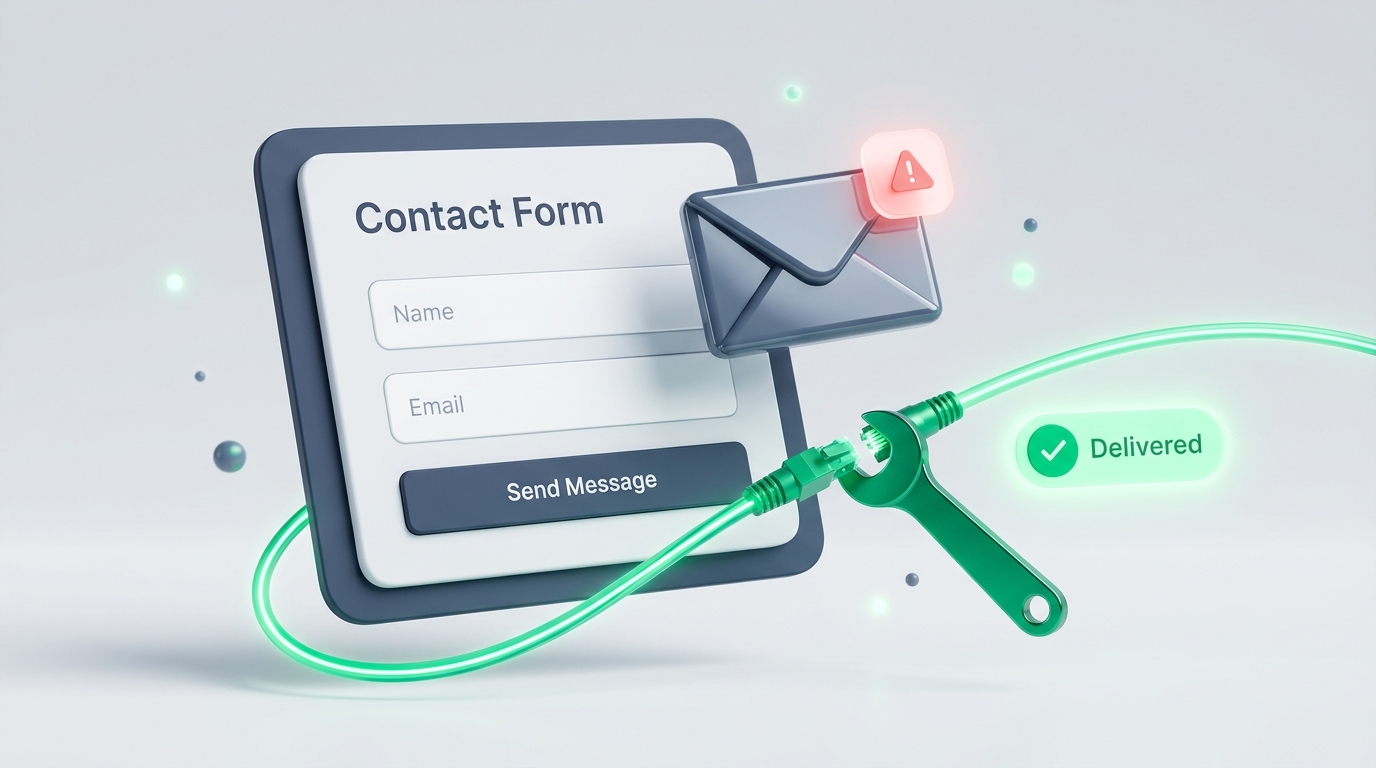
Broken contact forms are the number one silent killer of small business revenue. An owner believes nobody is interested, when in reality inquiry emails are getting dumped into a spam folder.
1. Submit a Real Test Inquiry Right Now
Go to your website contact or quote page on your smartphone. Fill out the form with your personal email and cell number, and press submit.
Does the form submit instantly and display a clear confirmation message? Or does the submit button spin endlessly with an unreadable server error?
2. Time the Email Delivery
Check your office email inbox. Did the inquiry notification arrive within two minutes?
If the inquiry lands in your spam folder or takes hours to arrive, your hosting server lacks authenticated SMTP relay settings. You are silently losing high-value jobs every single week.
3. Test Automated Confirmation Emails
Did your customer receive an immediate confirmation message acknowledging their inquiry? A simple automated reply reassures prospects that their request was received.
Include your emergency telephone number inside that confirmation email. If the customer needs immediate assistance, they can call right away instead of waiting.
Consider configuring your form to send an instant text message to your on-call technician. In local service trades, replying to an inquiry within five minutes increases your booking rate by three hundred percent.
Phase 4: Basic Local Search Alignment (2 Minutes)
The final phase ensures search engines understand what local queries your website should appear for.
1. Inspect Your Browser Tab Title Tag
Open your homepage in a desktop or mobile browser tab and look at the text on the tab. What does it say?
If your tab says “Home” or “Welcome to Our Website,” you are wasting your most valuable on-page search real estate. It should state your primary service and location, such as “Emergency Roofing Repair in Dallas, TX.”
2. Verify Google Business Profile Connection
Open your Google Maps listing on your phone. Click the “Website” button on your profile.
Does it take you directly to your clean, mobile-optimized homepage? Ensure the link is not redirecting to an old staging URL or broken tracking link.
In our guide on who owns your website, we stressed the importance of controlling all core digital profile connections.
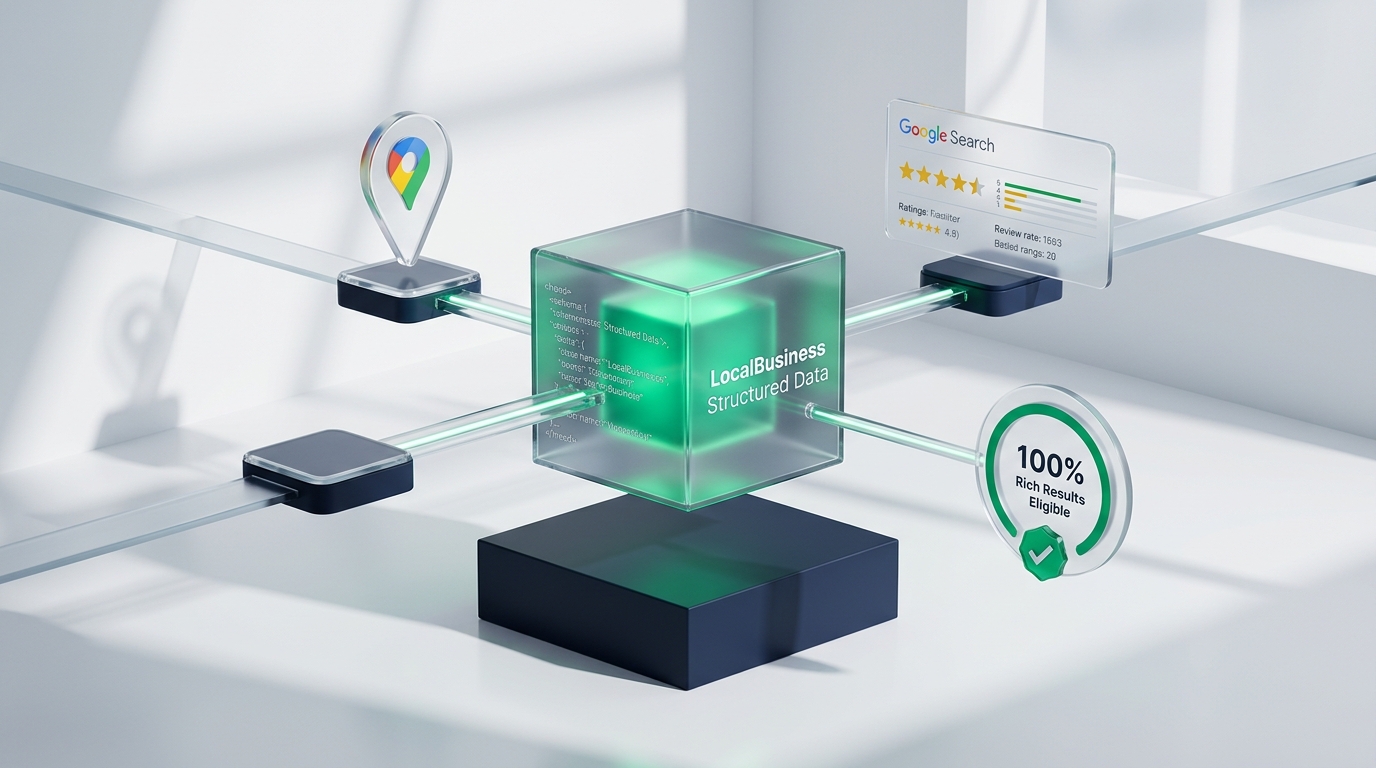
3. Check for Local Schema Structured Data
Search engines use structured data code to read your business operating hours, review scores, and service areas.
Test your homepage on Google’s free Rich Results testing tool. Verifying your schema code ensures search engines display your local business details cleanly in search results.
The Prioritized Audit Triage Plan

Once you complete your ten-minute self-audit, organize your findings using this prioritized triage schedule.
| Triage Level | Specific Issue Identified | Action to Take |
|---|---|---|
| Fix Today (Emergency) | Broken contact forms or non-clickable phone numbers | Configure verified SMTP relay; wrap phone numbers in tel: links |
| Fix Today (Emergency) | Missing SSL certificate or “Not Secure” browser warning | Install a free Let’s Encrypt SSL certificate on your hosting server |
| Fix This Week (High Impact) | Mobile load times taking longer than 2.5 seconds | Compress heavy photos to WebP; enable server-level page caching |
| Fix This Week (High Impact) | Vague homepage headlines or generic “Home” title tags | Rewrite headlines to include your core trade and target city name |
| Fix This Month (Growth) | Outdated customer reviews or missing service area pages | Embed fresh Google review badges; create neighborhood location pages |
Tackling these fixes in order protects your current revenue before you spend a single dollar on advertising.
Fixing these basic issues today prevents hundreds of dollars in wasted advertising spend every month.
Your website can then work as a reliable generator of booked customer appointments.